
How deadlines pushed us to develop own Figma plugins
Our brand refresh in 2022 came with a shift solely towards web development, yet most of our business was still heavily relying on development of animated and static advertising content. We were still in post-Covid time, hired some new talent, but still needed to tread carefully, and some optimization was much needed - that’s where plugin development came in.
A look back
When Covid hit, our clients were surprised we were able to maintain the same level of project delivery. In fact, we were delivering even more. Just like after 2008’ housing bubble, we knew that advertising industry will remain afloat, since in order to sell, everyone was turning to more aggressive marketing. Campaigns were weekly, and to keep up with the demand we had to evolve a little bit more.
Just like in the post housing bubble era, when we developed internal Adobe Animate tools to speed up HTML5 banner development, we created our internal CLI tools to package HTML5 banners according to advertising platform specs. This saved us from manual labor of adding tags and selecting correct hosted js libraries - in turn, this allowed us to focus more on the next task. We always try to eliminate manual, repetitive tasks by any means, since they are true productivity killers.
Project management was another pillar that needed our attention. For a long time, Asana was a go-to tool, but it wasn't all in one suite, and even with additional possibilities within a premium plan, we still heavily relied on third-party tools for time tracking, estimates, billing, lead management and resource planning. After exploring numerous alternatives, a switch was made to Productive - a project management system with all the API’s, bells and whistles for design agencies that had just about all we needed. One day there might be a deeper look into the subject, but don't hold us to it, since there are so many websites that need our attention 😄
There was a feeling that Covid was in rear view mirror already, and our staff was used to work remotely - it was the time to switch gears.
After switching our focus towards web development and even with hiring some talent, the deadlines became much tighter since we still needed to manage high demand for advertising products. To use our talent optimally, we decided to make at least a partial move towards more centralized, collaborative work online, so that everyone could edit static design content and always have access to the current version.
Figma to the rescue
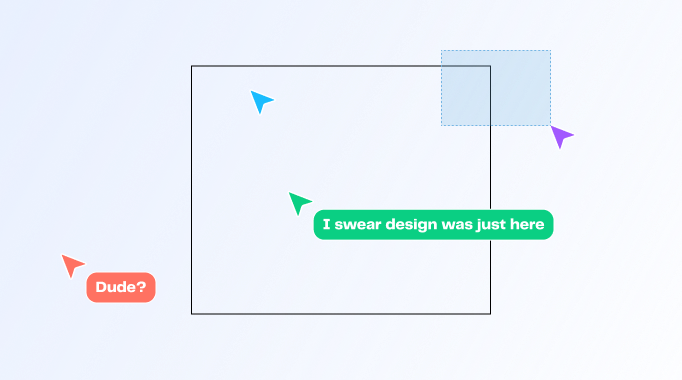
For those who don't know, Figma is a web based interface and web design building program. It handles tons of assets and artboards with ease. Design elements can be converted as components, and this way become reusable, and designers can work simultaneously on the same project in realtime. Everything is auto-saved just like Google Spreadsheets. And what’s more important for us - it is extendable.
Some of out clients were already using Figma for development of marketing content. There was a time when everyone loved Illustrator, and for some it is still the case, but it wasn't meant for remote work environment. What's the point of zoom screen sharing if you can only talk and not move a thing yourself? And artboard performance... let me stop just there.
It is easy to maintain repetitive campaigns in Figma, especially if you are used to using design libraries - a brand’s design systems and components really shine here. We agree to disagree that everything should have an auto-layout, but it comes in very handy when creating responsive layouts for advertising content.
We are religiously using Productive for task management, but when it comes to design process, we believe it is better to leave all tedious tasks to an automation. In our design process we are naming deliverable files in a very specific way (for example, since often our ads are multilingual, filenames should have a language code in them). It is easy to make a mistake in a filename, or duplicate an artboard without renaming it, to mention a few.
So we came to the conclusion that we need a Figma plugin that would allow a designer to create all the artboards from a list of names provided by the project manager. And without one in sight, it was time to build our first Figma plugin.
Frame Generator
We developed our first plugin solely for internal use, and it wasn't hard to maintain, even with some changes and new user onboarding. But then comes a time when you realize that happiness is there to be shared, so right after the development of our second plugin we decided to polish the interface and share it with Figma Community.
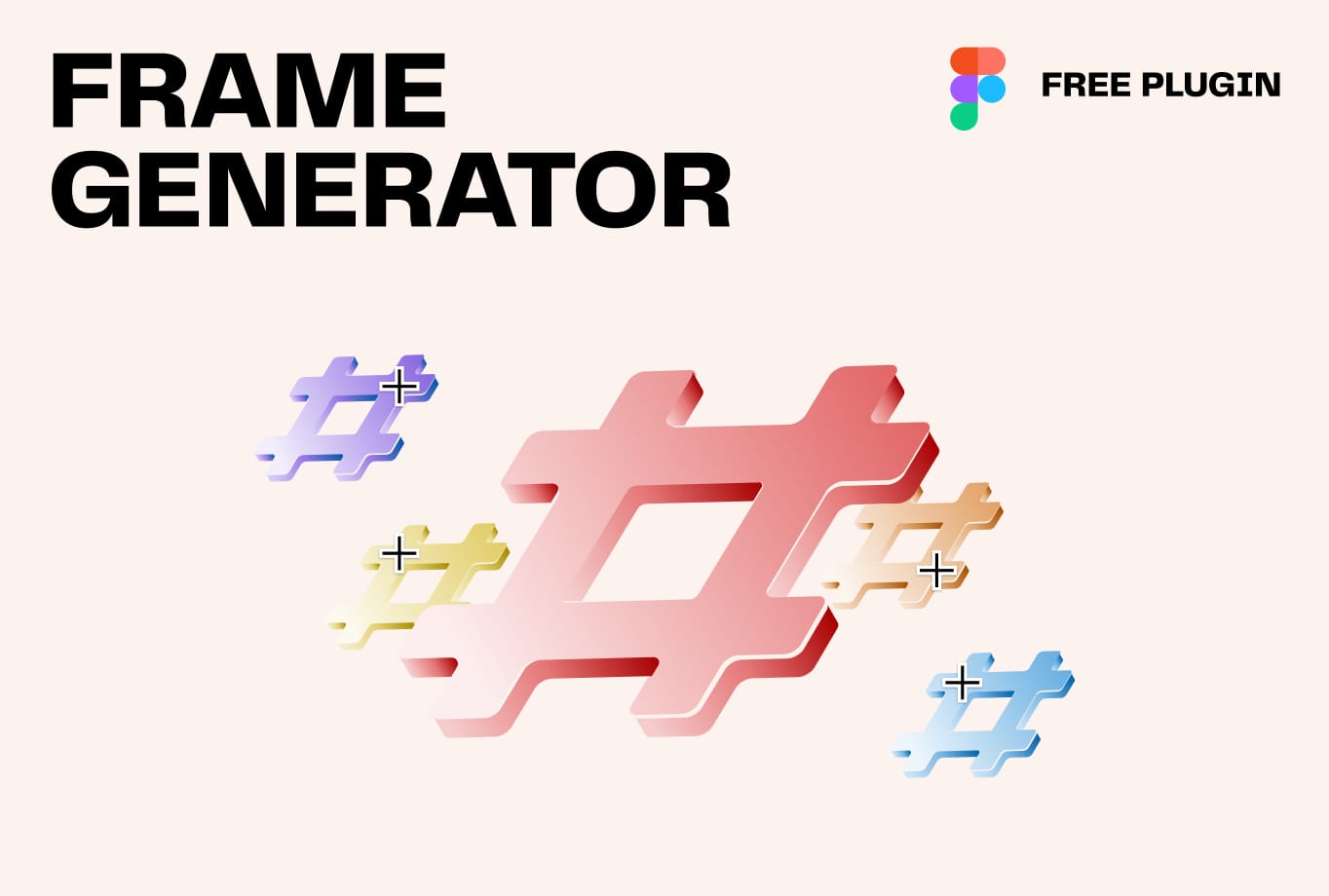
Frame Generator is very easy to use. It is ideal for generating a batch of display ads, but it's also versatile enough for other applications.
Simply provide a list of sizes, each on a new line, formatted as widthxheight, and the plugin will create frames of those sizes.
Moreover, you can specify unique names along with the sizes, and the plugin will name the frames accordingly.
Example
JBL-Summer-200x300
JBL-Summer-1200x400
This will result in two frames sized 200x300 and 1200x400, named "JBL-Summer-200x300" and "JBL-Summer-1200x400" respectively.

Frame Duplicator
Frame Duplicator duplicates the selected frame into any number of new sizes, perfect for creating large quantities of display ads and similar tasks.
How-to
Prepare your design using Figma's built-in Auto Layout properties or Constraints settings for scaling.
Example
JBL-Summer-200x300
JBL-Summer-1200x400
Provide a list of sizes, separated by line breaks. You can include additional text in each line, which will be used to name the frames.
The plugin creates duplicates of the master frame in your specified sizes and adjusts the elements according to the settings, scaling, resizing, and repositioning as necessary.
Split Into Grid
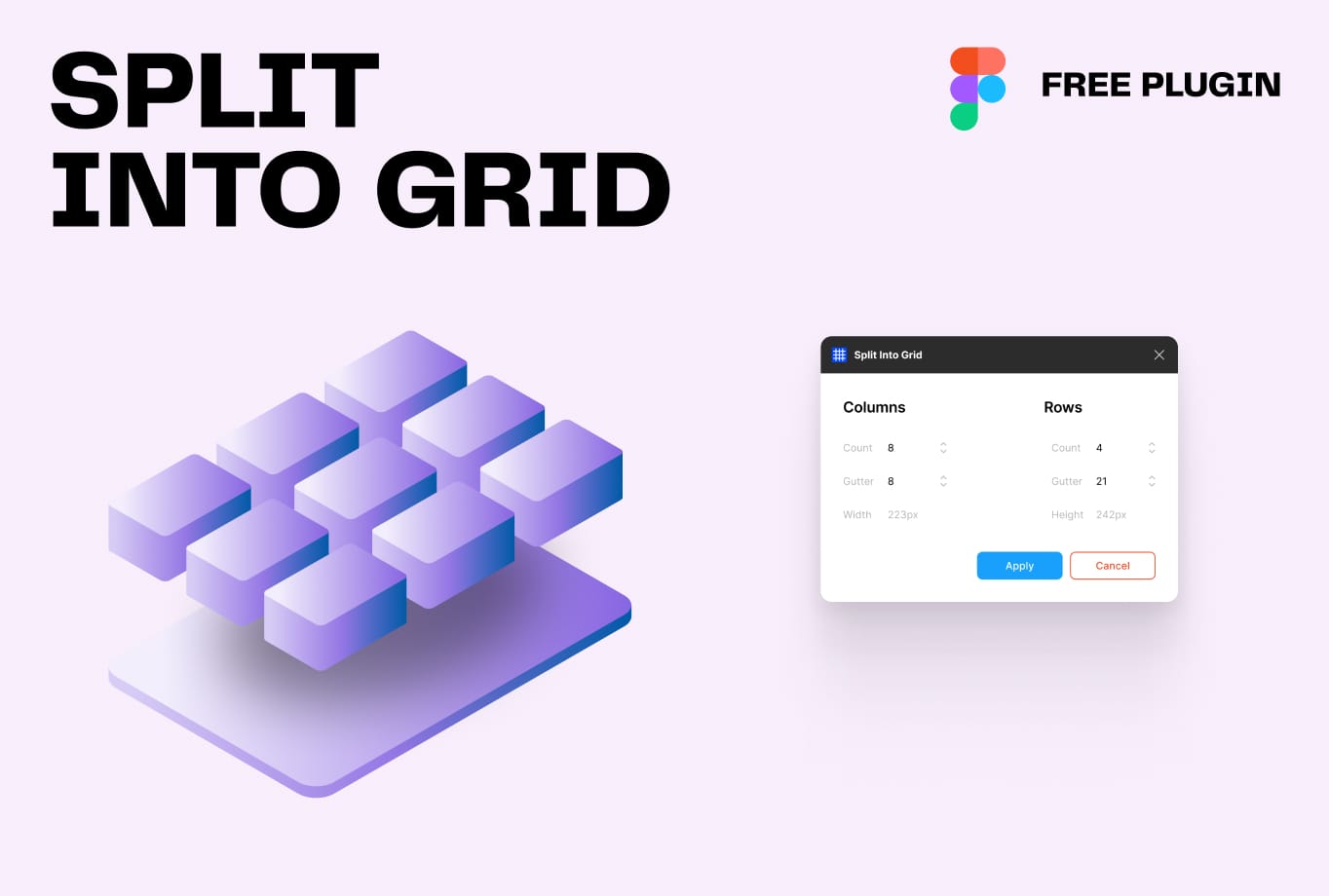
Even though Frame Generator and Frame Duplicator had a huge impact on our productivity, the demand for our most recent plugin Split Into Grid surprised us, exceeding Figma community downloads by a few multiples compared to the rest of our plugins. Split Into Grid has an Adobe Illustrator feature that's now finally available in Figma, fulfilling a long-awaited need for a built-in function.
How-to
Simply select a rectangle, and the plugin will split it into various sub-sizes, as the name suggests.
It's perfect for embracing the design trend of 2024 – bento boxes, while also providing complex grid systems for power users and more!
Afterthought
A key for success might be as simple as bulletproof project management, wide skillsets in combination with custom made tools and workflows, and a very tight, motivated team.
Please feel free to reach out if you feel we can help you with your own custom tools.